



Credit note: when and how to issue one in Lithuania (0)

Credit note: what to do when an invoice needs to change
A customer returns part of an order. You agree on a discount after the sale. Or you realise that an invoice amount was too high.
What happens next? You need a clear record of the adjustment so your customer and accountant can see exactly what changed. This is where a credit note comes in.
What is a credit note?
A credit note is a document used to adjust a previously issued invoice. It records the change and connects it to the original sale.
You will most often encounter credit notes when reducing the amount a customer owes. However, under Lithuanian VAT rules, a credit document can also record an increase in value. Its purpose is to document an adjustment, rather than always reduce a balance.
When should you issue a credit note?
Common situations include:
- a customer returns some or all of the goods;
- you grant a discount after issuing the invoice;
- the price or quantity of goods or services changes;
- goods or services are cancelled and the amount payable changes.
The seller who issued the original invoice usually issues the credit note.
A simple credit note example
Suppose you sell 10 identical items at €100 each, excluding VAT. This example uses a VAT rate of 21%. The customer later returns two items, and you accept the return.
| Amount | Original invoice | Credit note |
|---|---|---|
| Value excluding VAT | €1,000.00 | −€200.00 |
| VAT | €210.00 | −€42.00 |
| Total | €1,210.00 | −€242.00 |
The adjusted total for the sale is €968 including VAT.
If the original invoice is unpaid, the customer’s outstanding balance falls accordingly. If they have already paid, you need to agree on a €242 refund or offset. Issuing the credit note does not transfer money back to the customer’s bank account.
What information should a credit note include?
When preparing a VAT credit note in Lithuania, check:
- the document date, series and number;
- seller and buyer details;
- the date, series and number of the invoice being adjusted;
- the goods or services and amounts being corrected;
- the applicable VAT information.
Clearly identify the document as a credit note. If the adjustment does not relate to one specific invoice, other identifying details may be used. This is a practical checklist; the full information required depends on the transaction.
It also helps to add a short explanation, such as “Return of two items under invoice SF No. 125”. A few months later, that sentence can save someone from searching through old emails.
What should you check before sending it?
Are you crediting only the part that changed? If the customer returned two of ten items, the adjustment should reflect those two items.
Have you used the correct sign? When reducing the value, the adjustment amounts are shown as negative figures.
Is the next step clear to the customer? Let them know whether they will receive a refund or have the amount offset against an invoice.
How can SimplBooks help?
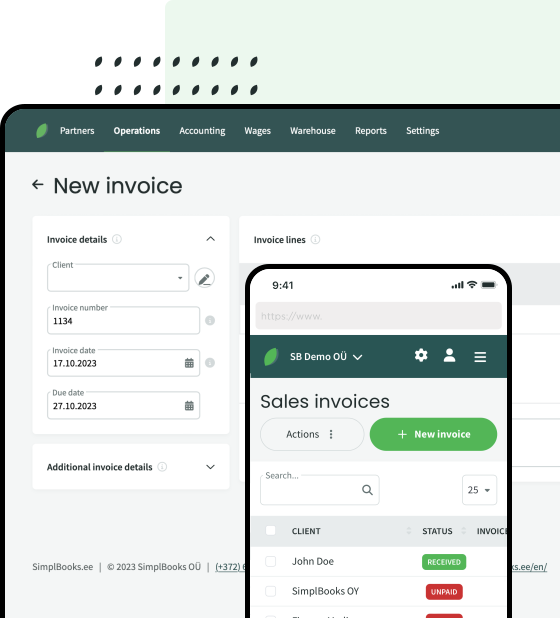
In SimplBooks, you can create a credit note from an existing invoice. For a partial credit, you can adjust the quantity or amount, saving you from entering all the details again. The credit note guide explains the process.
You can also record a refund or offset the credit note against another invoice in the system.
A clear credit note gives everyone the same picture: what changed, why it changed and how much remains to be paid.



Leave a Reply